db2api
Installation
1root@shell> cd /opt/services
2root@shell> git clone https://github.com/opencelium/db2api.git
Please refer to the official documentation: https://github.com/opencelium/db2api?tab=readme-ov-file#installation-tested-on-ubuntu-server-24043-lts
Usage
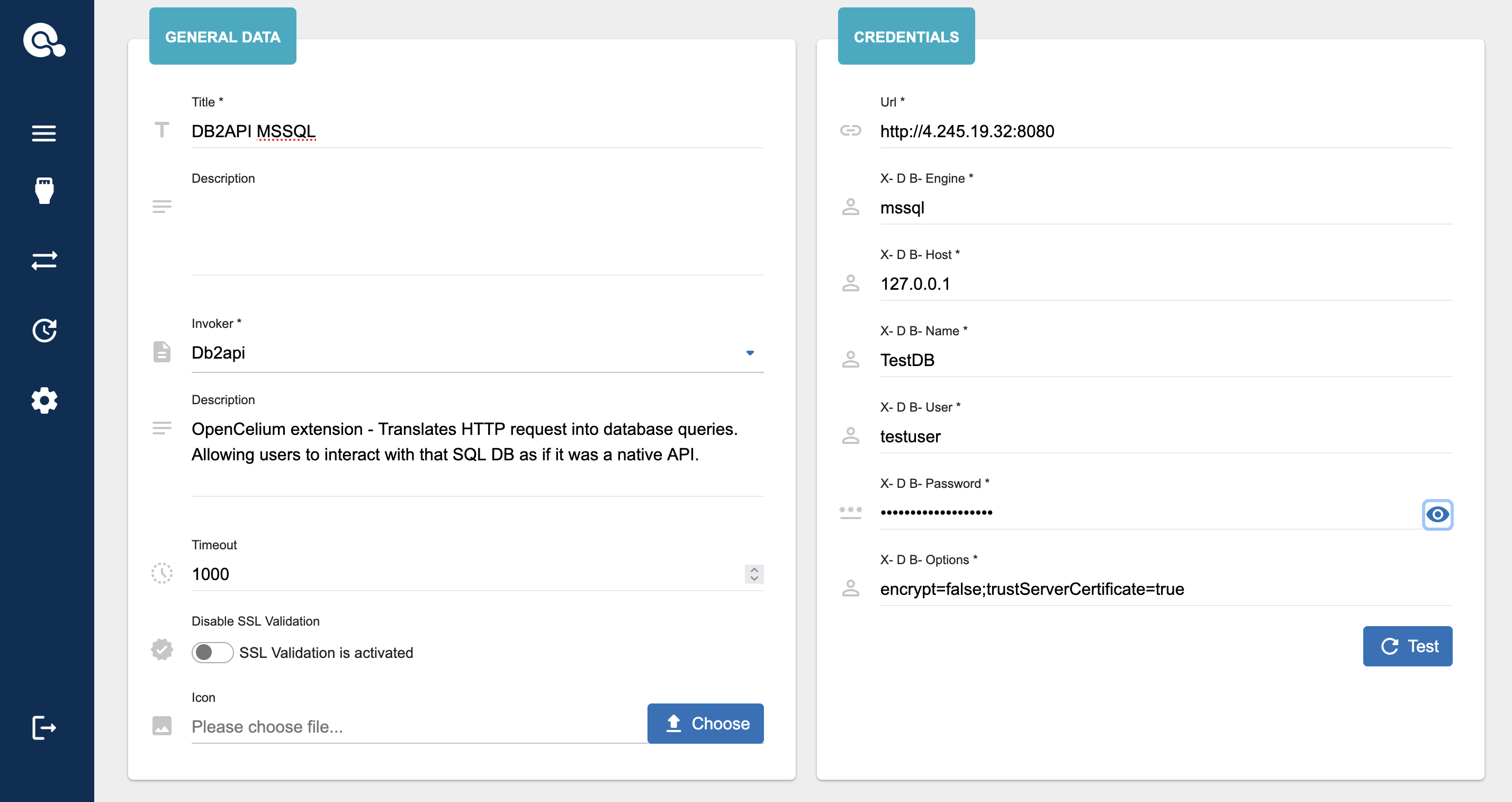
First of all add a connector to your target database.
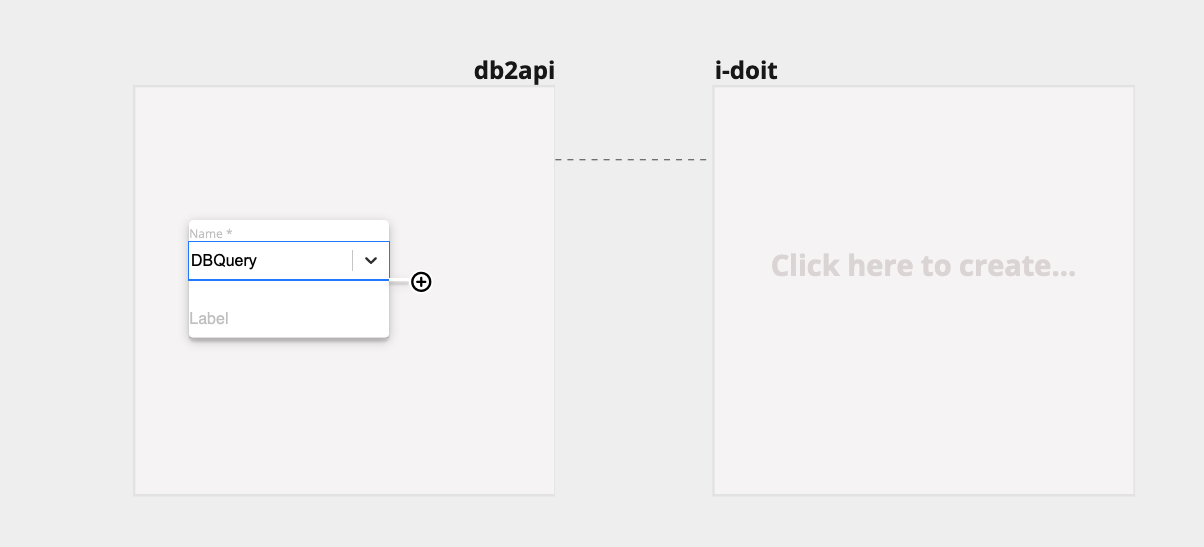
After that you can use it in a connection. Add a DBQuery process to start a request.
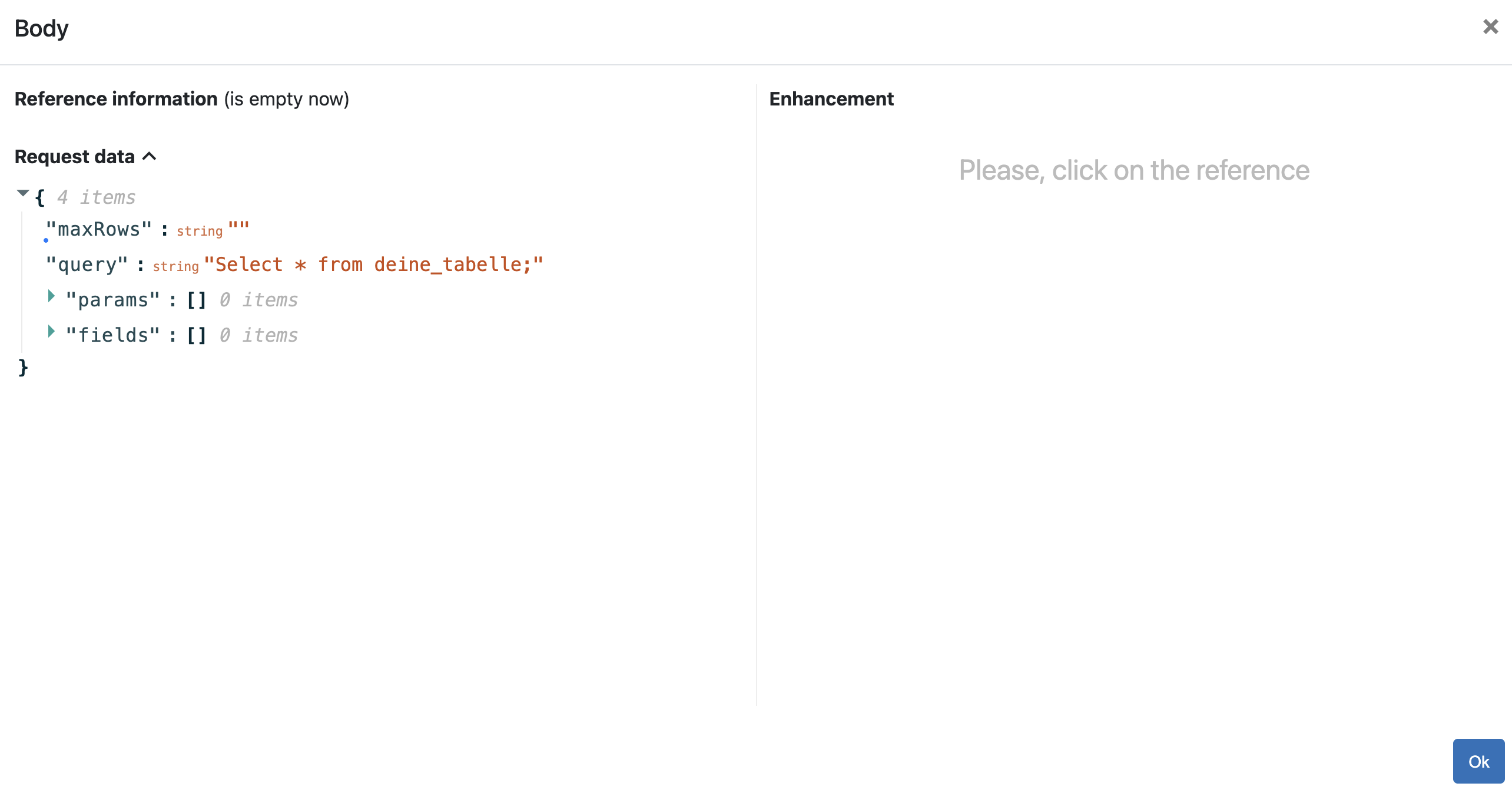
Add your database query into the request body.
Note
Use a rest client tool to execute the api request. Thus you determine and see how the response will be look like.
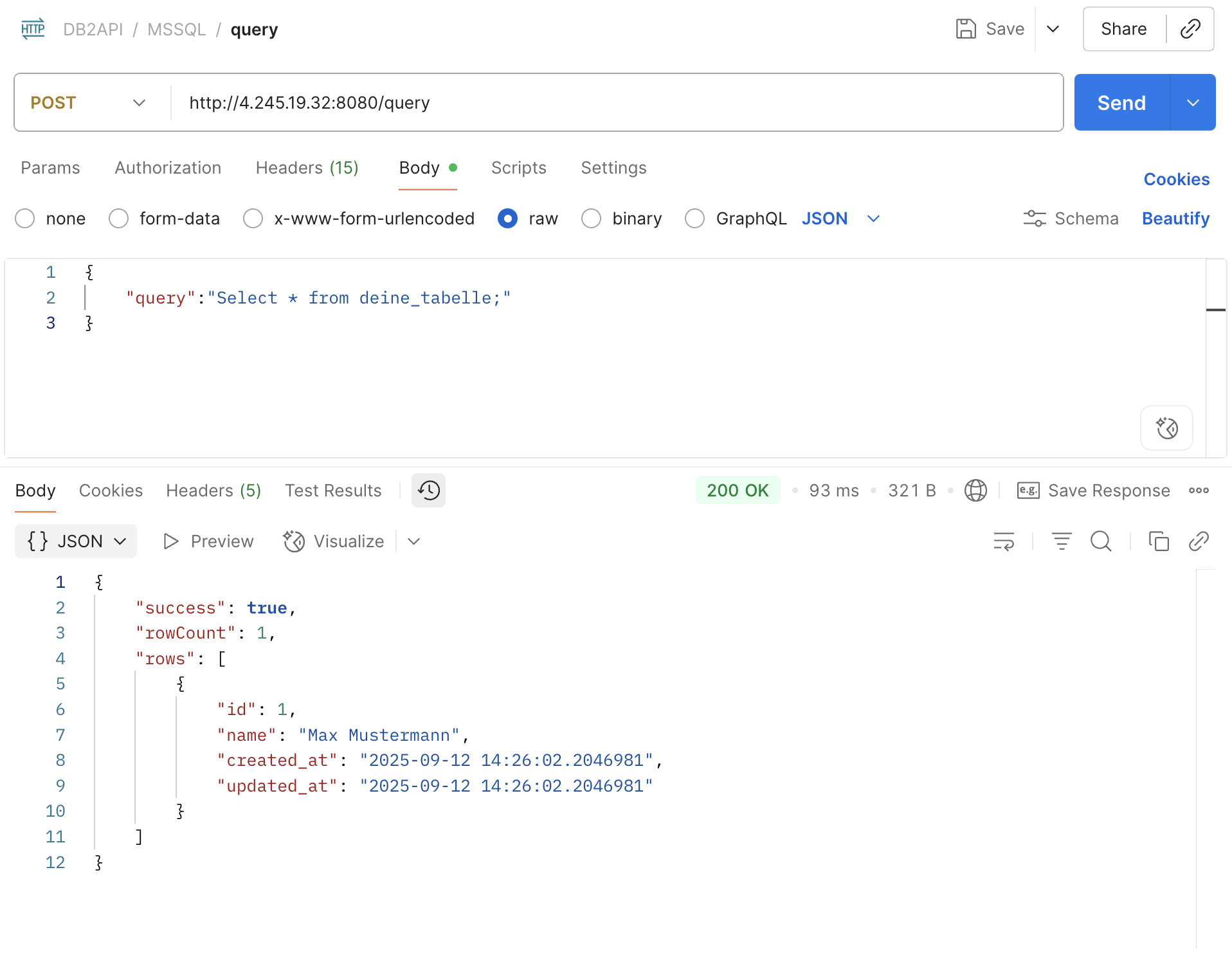
Please read more about the search options here https://github.com/opencelium/db2api?tab=readme-ov-file#api-endpoints
Supported Databases
MICROSOFT
MYSQL
POSTGRESQL
ORACLE
XERIAL
MongoDB
Redis
Read the whole list here https://github.com/opencelium/db2api?tab=readme-ov-file#supported-db-engines
Testing with POSTMAN
Get here the POSTMAN Collection for testing https://raw.githubusercontent.com/opencelium/db2api/refs/heads/main/conf/DB2API.postman_collection.json